Interactive
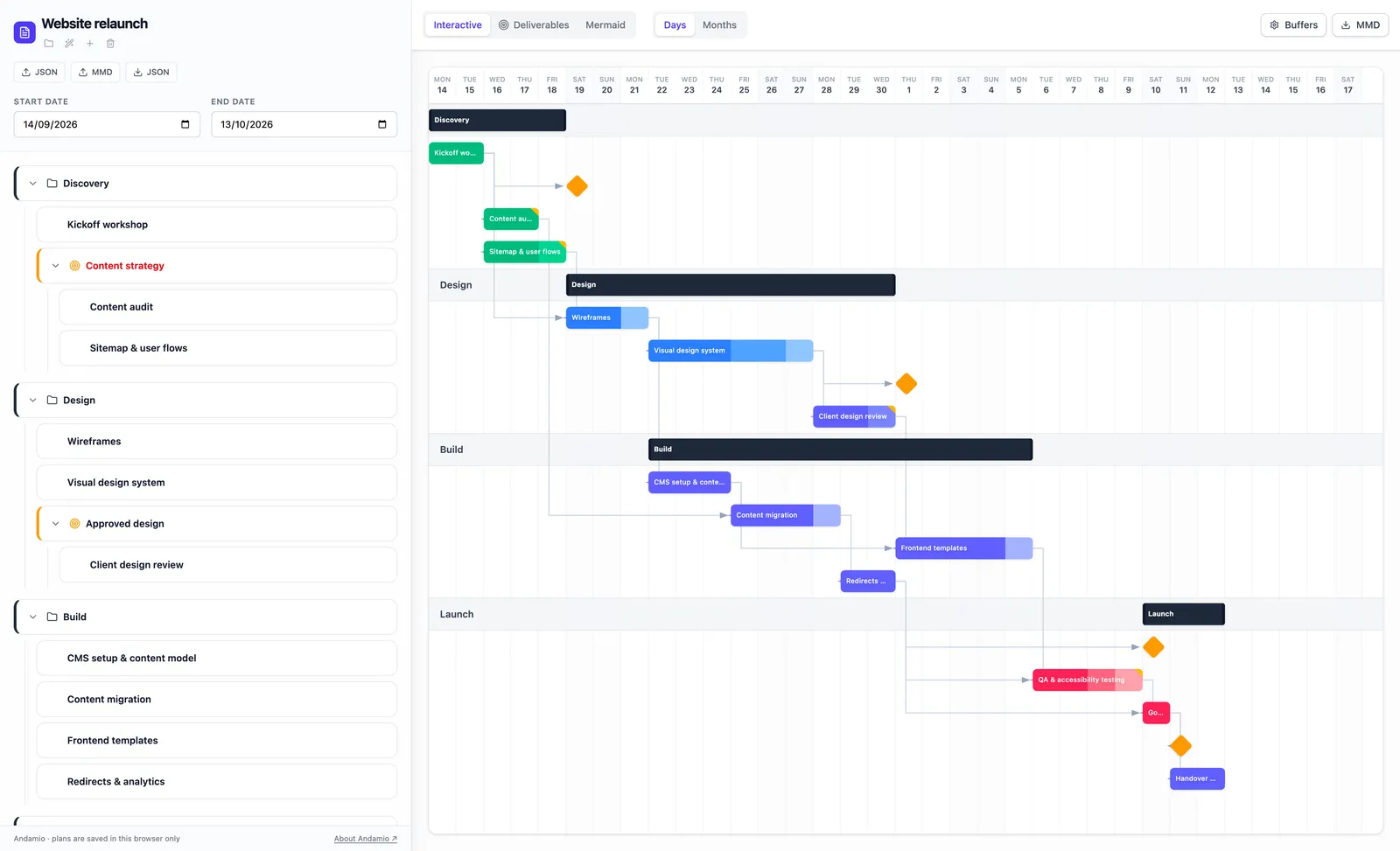
The Gantt chart and the task list side by side. Phases contain tasks; each task has a type, effort, timespan, buffer, status and the tasks it depends on, which you link by dragging from one bar to another.
Gantt editor
The scaffolding for your plan: a Gantt editor that lives in your browser. ("Andamio" is Spanish for scaffolding.)
We wanted a plan we could draw in minutes, keep on our own machine and paste into a README, without signing up for a project management service. Andamio does that: it runs in the browser, stores plans in localStorage, and exports to Mermaid, which GitHub and Notion render natively.
It also makes the time that reviews take visible. Most plans hide it inside the effort estimate; here it is a separate part of the calculation, so a task that is two days of work and three days of back-and-forth says so.
Until September 2026 it was called Project Manager. Since October 2026 the app lives at andamio.vedratic.com. The old address, project-manager.vedratic.com, still works and still has your plans: they are kept in the browser for each address, so to move them, export them as JSON at the old address and import them at the new one.
Three views of the same plan, and one rule for dates.
The Gantt chart and the task list side by side. Phases contain tasks; each task has a type, effort, timespan, buffer, status and the tasks it depends on, which you link by dragging from one bar to another.
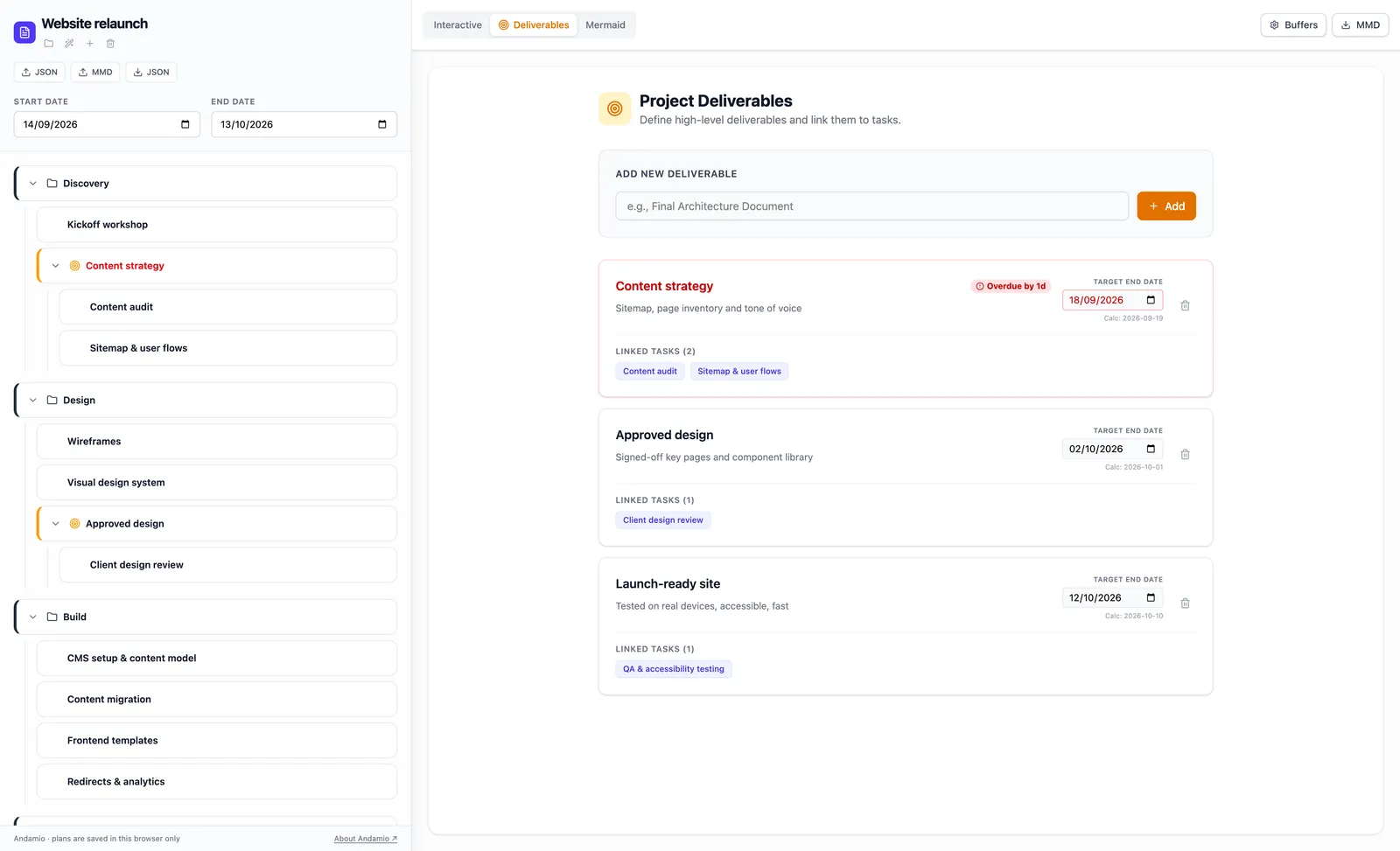
The plan seen by outputs: define what the project has to produce and which tasks lead to each one, for people who care about outcomes rather than task lists.
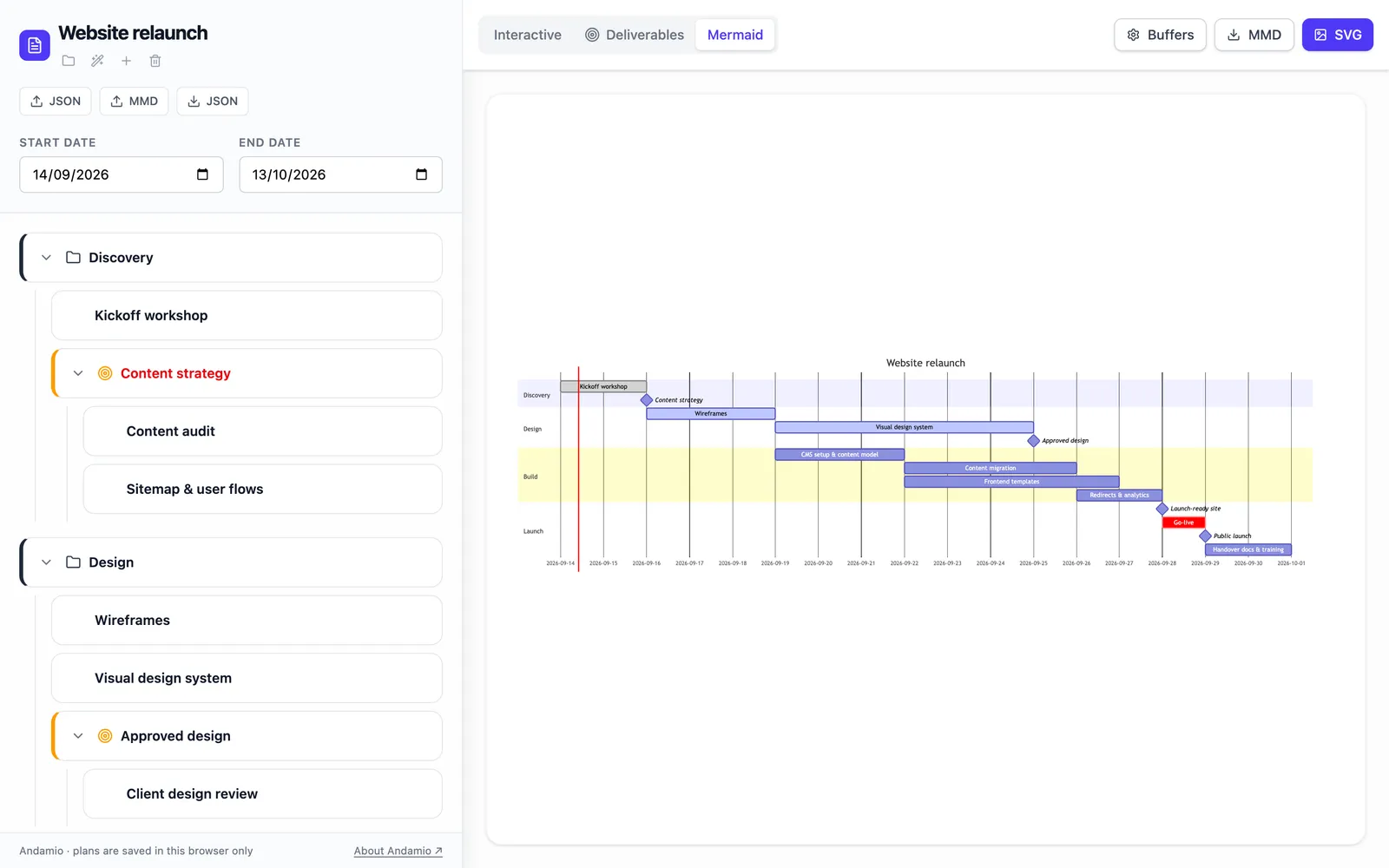
The plan as a Mermaid Gantt chart, with its code. Download it as .mmd to paste into a README, or as .svg for slides and documents.
max(effort, timespan) + buffer + ceil(effort × validation complexity) days. Milestones and deliverables have no length.
A task starts when the last task it depends on has finished (finish-to-start), plus an offset in days if you drag its bar later. Tasks inside a phase can't start before the phase does.
Phases stretch to cover their tasks, milestones sit where their tasks end, and the whole pass runs again until no date changes, or up to 1,000 times.
Plans import from JSON and from Mermaid Gantt files (.mmd or .txt), and export to JSON, Mermaid and SVG.
Huge, multi-week tasks are hard to estimate and hide problems. Aim for pieces of no more than 3–5 days of effort: they are easier to estimate, track and hand over if someone gets blocked.
Don't add the same buffer to every task. The buffer settings let you set a default per task type, so design or testing, which tend to involve review cycles, can carry more than routine documentation.
Link two tasks only when one truly can't start before the other ends. Over-linking turns the plan into a single line and hides the work that could happen in parallel.
Before adding tasks, write down what the project has to produce. Working back from outputs to tasks keeps the plan focused on what gets delivered, not on a list of activities.
Validation complexity adds review time on top of effort: 0.5 adds half the effort, 1.0 the same again, and 2.0 twice the effort. The editor has no field for it yet: set validationComplexity in an exported JSON file and import it back. Use it for work that goes back and forth with a client or a reviewer, instead of padding the effort.
Your plans live in this browser only. Export a JSON copy before and after each planning session: it is your backup, and a record of how the plan changed.
What Andamio doesn't do, so you can decide before you start.
Yes. There are no paid tiers, no ads and no account. Every feature is available to everyone.
In your browser's localStorage, on your device. The editor does not send your projects anywhere. The flip side is that clearing this site's data in your browser deletes them, so export a JSON copy from time to time. Browsers usually allow around 5 MB per site, which is plenty for plans but not unlimited.
A task lasts max(effort, timespan) + buffer + ceil(effort × validation complexity) days. Effort is the work, timespan the calendar days you give it, and buffer a safety margin you add by hand. Milestones and deliverables have no length.
A multiplier from 0 to 2 for the review rounds a task needs. It adds effort × validation complexity days, rounded up. At 0 it adds nothing; at 0.5, half the effort; at 2.0, twice the effort. For example, a task with 4 days of effort, 1 day of buffer and a validation complexity of 0.5 takes 4 + 1 + 2 = 7 days. The editor doesn't have a field for it yet: you set validationComplexity in an exported JSON file and import it back.
No. Each task starts when all the tasks it depends on have finished (finish-to-start), plus an optional offset in days, which you set by dragging the task's bar. The editor moves tasks forward until every dependency is satisfied, but it does not compute slack or highlight a critical path.
Yes, from a .mmd or .txt file. The importer reads the title, turns each section into a phase, and keeps each task's duration, its after dependencies and the active, done, crit and milestone tags. Mermaid has no buffers or validation complexity, so those start at zero. You can also import a .json file exported from the editor.
Export it as a .mmd file and paste the code into a ```mermaid block in a GitHub README, or into a Notion code block with Mermaid as the language. Both render the chart. For slides, export an .svg instead.
No. There is no server, so there is no shared copy to edit together. To share a plan, export it as JSON and send the file; the other person imports it into their own browser.
Globdrop draws one image and two pins; Andamio re-renders its whole Gantt chart on each drag move. What the code does, what we counted, what we still owe.
Why Andamio stores plans in localStorage and Ahorreo uses IndexedDB: size limits, sync vs async, clearing site data, and a JSON export vs an encrypted backup.
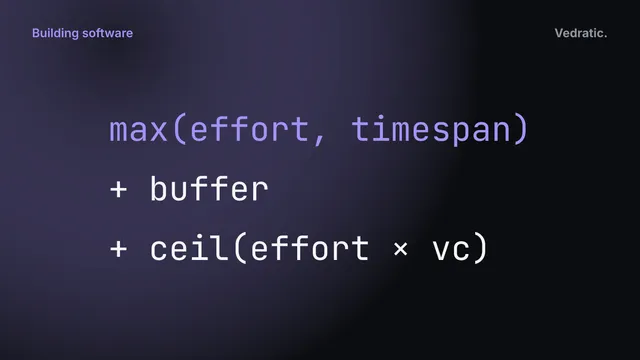
Inside Andamio: a flat task list, a scheduler that repeats until nothing moves, three views, Mermaid import and export, and plans kept in localStorage.
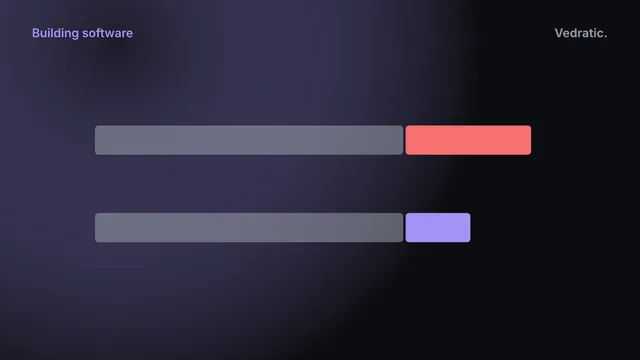
How buffers work in Andamio (a days field per task) and in our buffer calculator (PERT plus root sum of squares), and why neither is Critical Chain's 50% rule.