localStorage or IndexedDB: Where Andamio and Ahorreo Keep Your Data
Two of our projects keep everything in the browser. Andamio, the Gantt editor, stores plans in localStorage. Ahorreo, the personal finance app, stores bank history in IndexedDB. Both are local-first in the same sense: the copy on your device is the real one, and there is no server holding another copy. They made different storage choices, and this post explains why, along with what each choice costs.
What local-first means here
A local-first app treats the device as the source of truth. A server, if there is one, is an optional relay for syncing, not a gatekeeper you have to go through. The usual arguments for it are that nothing waits on a network round trip, that the data is yours and that it keeps working offline.
Neither of our apps has a sync server at all. That makes the model simple, and it moves two jobs to you: keeping a copy somewhere else, and moving data between devices. The storage choice mostly decides how well each app can help you with those jobs.
The browser gives you three places to store things
- localStorage. A key–value store of strings, one per origin. The API is synchronous:
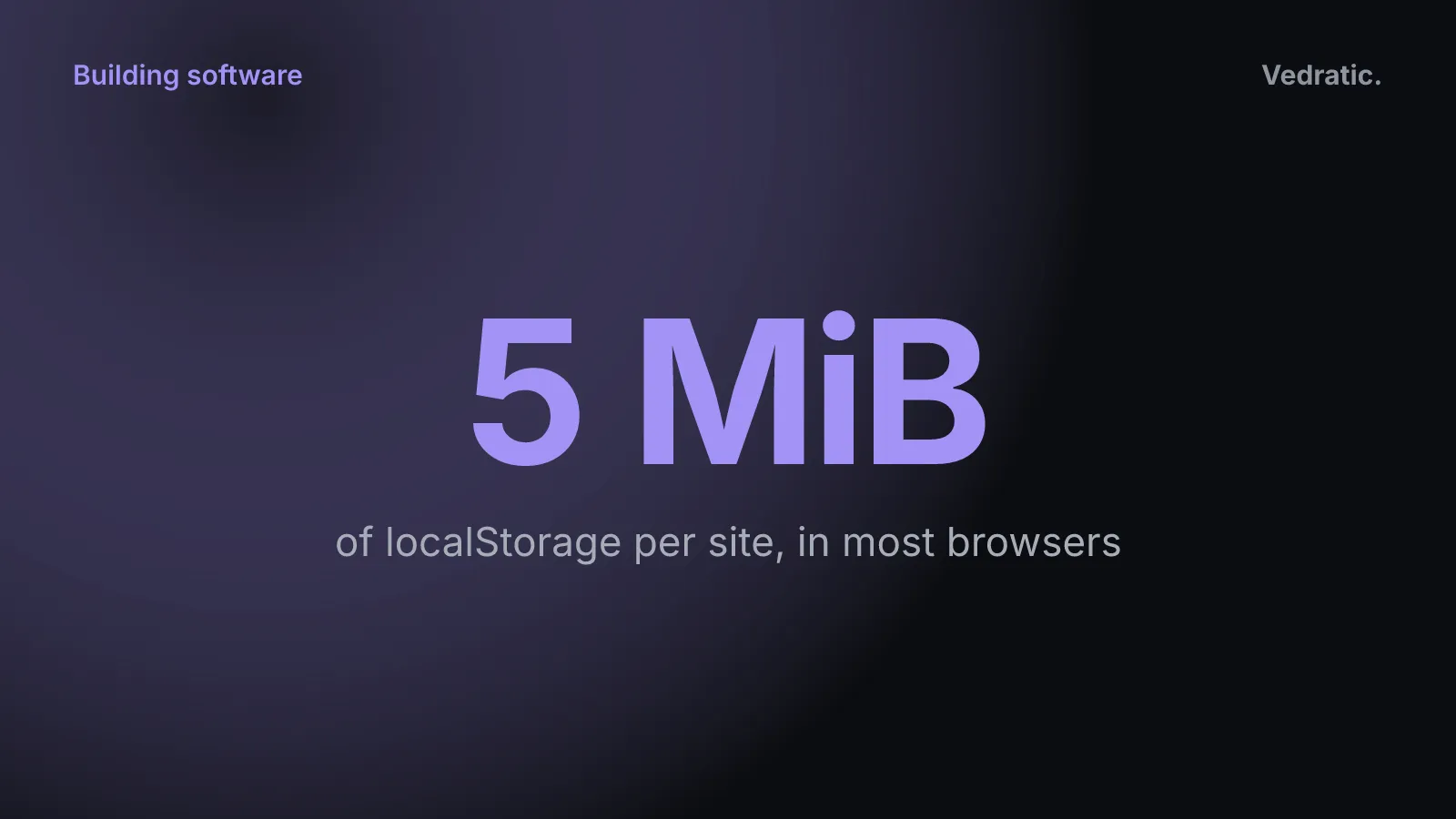
localStorage.setItemblocks until it’s done. MDN documents the limit as 5 MiB of local storage per origin, and past that the browser throws aQuotaExceededError. - IndexedDB. An asynchronous, transactional database of structured objects, with indexes. Its quota isn’t a fixed number. Each browser sets it, usually as a share of free disk space, and the same MDN page gives the current rules for Firefox, Chrome and Safari.
- The Origin Private File System (OPFS). A private file system per origin. Inside a Web Worker it offers synchronous file handles, which is what makes running SQLite compiled to WebAssembly practical. We don’t use it in either app.
Andamio: one JSON string
Andamio’s data is small and has one shape: a list of projects, each a list of tasks. The hook that owns it, useProjects, reads the list once at start-up and writes the whole thing back as a single JSON string whenever it changes:
// Save to local storage whenever projects change
const [saveFailed, setSaveFailed] = useState(false);
useEffect(() => {
  if (projects.length > 0) {
    setSaveFailed(!writeStorage(STORAGE_KEY, JSON.stringify(projects)));
  }
}, [projects]);
That’s from src/hooks/useProjects.ts, with STORAGE_KEY set to 'gantt_projects'. writeStorage is localStorage.setItem inside a try/catch, which returns false if the write fails. It’s the simplest thing that works. There’s no schema and no migrations. The synchronous API fits React’s state model, because the saved copy is always the state you’re looking at. And the stored string is the same format as the file you export.
The limits come with it. Every change rewrites every project. That costs little while the data is a handful of plans, and it wouldn’t scale to years of records. The 5 MiB limit is shared by all the plans on the site. Until September 2026 the write wasn’t wrapped in a try/catch, so hitting the quota, or a browser that blocks site data, made saving fail without a word. Now the editor shows a banner asking you to export the project as JSON. A plan is a small JSON document, so it takes a lot of them to get there, and an exported copy is still the backup.
Ahorreo: a real database
Ahorreo’s data is a different size and a different shape. It has accounts, transactions, categories, rules, budgets, loans, investments, payslips and more: 28 tables in src/domain/persistence/db.ts, declared with Dexie on top of IndexedDB. The schema has gone through 18 versions, and Dexie runs the migration attached to each one when a database comes from an older version.
A single string in localStorage would fail on all counts. A statement import writes many rows at once, and each screen needs to query by account or by date rather than parse everything. Five years of transactions shouldn’t depend on a 5 MiB ceiling either. IndexedDB is asynchronous, so a large import doesn’t block the page, and transactional: commitImport writes a whole import inside one transaction, so it either lands whole or not at all. It costs more code: every read is a Promise, and every schema change needs a migration and a test.
Ahorreo also asks the browser to keep its data. On start-up, checkStorage opens the database and calls navigator.storage.persist(), because some browsers, Safari in particular, can clear storage for sites you don’t visit often. The Files screen shows the result: storage unavailable (for example, in a restrictive private window), available but not persistent, or persistent.
Clearing site data deletes everything
Both apps share this risk, and it’s the one people don’t expect. If you clear this site’s data in your browser settings, or the browser evicts it, the data is gone. MDN is explicit that eviction removes all of an origin’s data at once, not part of it. Nobody can restore it, because no other copy exists.
That’s why both apps put an export front and centre. They just export very different files.
A readable JSON file vs an encrypted backup
Andamio exports plain JSON. It’s the Project object as it is, readable in any text editor, and importing it back gives you the same plan. It also exports Mermaid (.mmd) and SVG, for sharing rather than for backup. A JSON file is easy to keep in a repository next to the code it plans, and it’s also readable by anyone who gets hold of it. For a project plan we think that’s the right trade.
Ahorreo exports an encrypted .ahorreo file. The code is in src/domain/backup/:
- The data from every table is serialised to JSON, compressed with gzip where the browser supports it, and encrypted with AES-256-GCM.
- The key is derived from your password with PBKDF2-SHA256 at 600,000 iterations, with a fresh salt and IV for every file.
- GCM’s authentication tag means a file that’s been tampered with is rejected whole instead of half-restored.
- A small header stays unencrypted on purpose, so the app can recognise the file before asking for the password. It contains no amounts or names, but it does say when the file was written, how many rows it holds and which device wrote it. The threat model in the repo says so.
- A file whose header claims to be unencrypted is refused. The app has never written one, and accepting one would have skipped the password check.
- The password isn’t stored anywhere. Lose it and the backup can’t be opened, by design.
Ahorreo also reminds you to back up. By default the reminder appears after 7 days or 50 new transactions since the last backup, and right after a large import (25 or more). Where the browser supports the File System Access API, you can link a file on disk and have it saved after changes.
What local storage doesn’t protect you from
Keeping data on the device removes one risk: there’s no database of everyone’s plans or bank history on our side to leak. It doesn’t remove the others, and we’d rather list them than imply otherwise.
Whoever controls the JavaScript the site serves can read what the site stores. localStorage and IndexedDB belong to the origin. Any script that runs on that origin can read them, and the scripts come from our host every time you load the app. If the host, our deployment pipeline or a dependency in the bundle were compromised, the next version of the app could read your data and send it somewhere. A Content Security Policy helps against injected third-party scripts, but it’s delivered by the same host, so it doesn’t help if the host itself is the problem. Ahorreo has a strict CSP and a test that fails if new network code appears (how that works). Andamio got one in September 2026, which only allows scripts from its own origin, and its Mermaid view now runs in strict mode, so a label in an imported .mmd file can’t carry a script. Neither can protect against its own origin serving bad code.
A compromised device or browser extension can read it too. Anything with access to the page or the browser profile can read the storage, and could capture a password as you type it.
Physical access with the browser open. Neither app has a lock screen. Anyone who can use your open browser sees your data.
What we don’t use, and why
- OPFS and SQLite in WebAssembly. For Andamio it would be far more than a few kilobytes of JSON needs. For Ahorreo, IndexedDB with Dexie already gives us indexes, transactions and migrations without shipping a database engine.
- CRDTs and sync. Libraries such as Yjs or Automerge let several devices edit the same data and merge the changes later. Neither app has multi-device editing, so neither uses them. Moving data between devices means exporting a file and importing it on the other side.
The Andamio page lists its limits, and Ahorreo’s approach to exact amounts is in why money should never be a float.