Introducing Ahorreo: Personal Finance That Never Leaves Your Browser
If your money lives in more than one place — a couple of banks, maybe an investment account or a pension plan — you already know the problem: nobody gives you the full picture. Each institution shows its own slice, beautifully, and nothing else.
The usual fixes all come with a price. Commercial aggregators want your online banking credentials and upload every transaction you’ve ever made to their servers. Spreadsheets are private and flexible, and almost always abandoned around month three. Today we’re introducing the tool we built because neither option was good enough for us: Ahorreo.
What Ahorreo Does
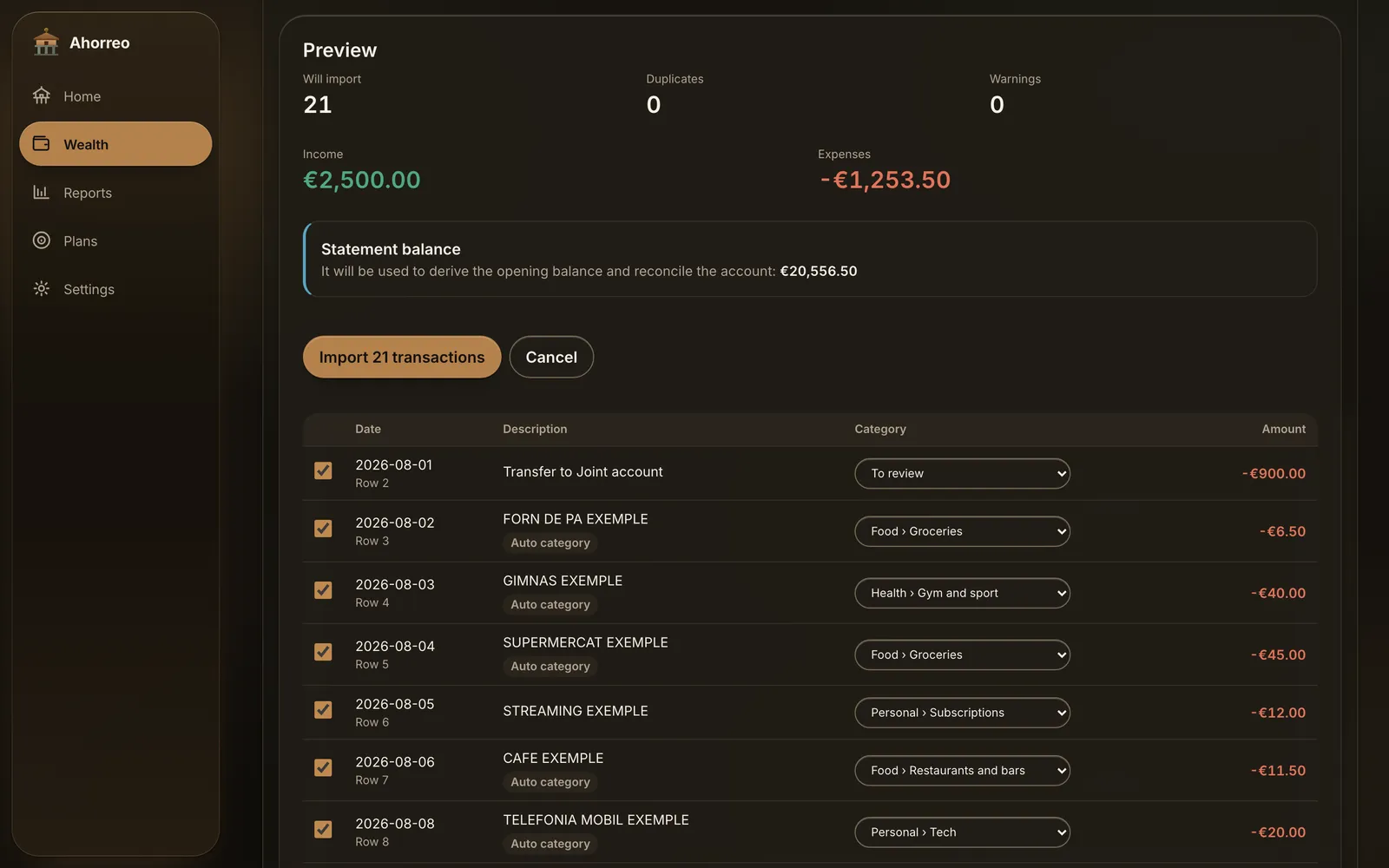
Ahorreo takes the statements you can already download from your bank — CSV or Excel files — and turns them into one coherent answer to four questions: how much do I earn, how much do I spend, on what, and how much do I actually own?
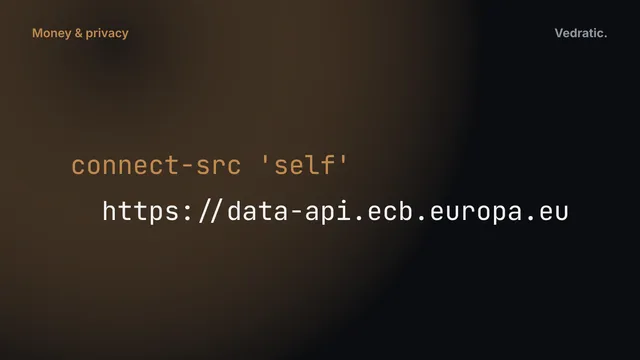
It does this entirely inside your browser. There is no backend, no user account and no telemetry. Files are parsed on your device and stored in your browser’s IndexedDB. You can check that claim yourself in about ten seconds: open the network tab of your browser’s developer tools while you import a statement, or simply switch your device to airplane mode. Nothing changes, except the optional lookup of public ECB rates, which is off by default (more on that here).
Useful from the first file
There's no set-up wizard to finish before you see a number. Drop a single statement onto an account and Ahorreo derives the opening balance from the file itself, categorises the transactions, and shows you the month. Everything else — more accounts, rules, budgets — is optional and comes later.
The Name
An hórreo is the raised granary you find all over Galicia and Asturias. Farmers stored the harvest there to last the winter, and built it on stone pillars topped with flat slabs so that rats couldn’t climb in. It has two jobs: keep what you’ve gathered, and protect it.
That’s exactly the brief for a personal finance app that sells itself on privacy. And where a real hórreo carries a cross on the ridge of its roof, ours carries a euro sign.
What Makes It Different
Transfers are not spending
Moving €500 from your current account to your savings account is not an expense, and moving it to your broker isn’t one either. Ahorreo detects internal transfers between your own accounts and keeps them out of your income and spending totals, so one well-organised month doesn’t look like a spending spree. Refunds are paired with the charge they undo, so the month of the purchase goes back to zero.
Your share, not the whole thing
A joint account belongs to two people. Half a flat is worth half the flat to you — and half its mortgage is yours to repay. Ahorreo models ownership as a percentage on each account, property and loan, and every screen tells you whether it’s showing the household or your share. It’s the part most finance apps get quietly wrong, so we wrote a full post about it.
Figures you can open
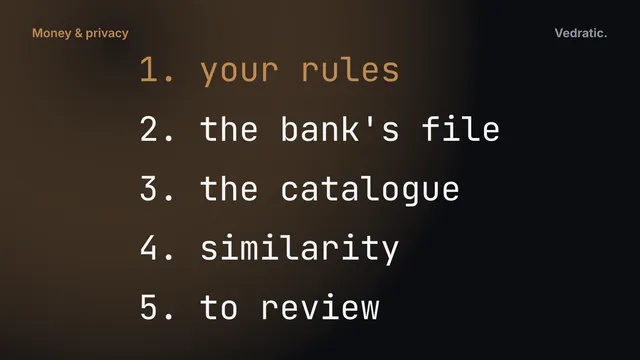
Every chart in Ahorreo comes with its table and a CSV export, and every category records how it was set: by you, by one of your rules, by the built-in catalogue (which also covers the category your bank puts in the file), or by similarity to something you already classified. The details are in Categorising bank transactions without a server. A number you can’t open is a number you can’t check, and a finance app you can’t check is one you’ll eventually stop trusting.
What’s Inside
- Statement import that recognises many banks’ formats automatically — and lets you map the columns by hand for any it doesn’t — with a preview before anything is saved, duplicate detection, and a full undo for every import.
- Credit cards with billing cycles, so a purchase counts on the day you made it, not the day the card was settled.
- Homes and mortgages with dated valuations, a computed amortization schedule, rate reviews and early repayments.
- An investment portfolio at average cost, with broker cash kept separate from the value of positions.
- Payslips read from PDF and checked line by line against their own totals.
- Budgets, savings goals and subscriptions, with proposals built from your own history.
- Encrypted backups to a password-protected
.ahorreofile, and an optional live file that saves itself to disk.
It’s an installable PWA that works offline, with light and dark themes and an interface in English, Spanish and Catalan.
What It Deliberately Doesn’t Do
Just as important as the feature list is the list of things we chose not to build. Ahorreo doesn’t connect to your bank, because open banking requires a server, your credentials and a licence. It doesn’t sync through a cloud of ours, because there isn’t one — a file in a folder you already sync does the job. It doesn’t file taxes, and it doesn’t give investment advice. It shows you your own numbers, clearly, and leaves the decisions to you.
We’ve since gone deeper into the engineering and the ideas behind it: why money should never be a floating-point number, how to measure net worth when you share things, which month a salary really belongs to, and how you can verify — not just trust — that your data stays put. In the meantime, you can read more on the Ahorreo page.
This article explains how our software works and the maths behind it. It is not financial, tax or legal advice: for decisions about your own money, check with a qualified professional.